The Ultimate Google Nest Hub Review: A Game-Changer for Smart Home Enthusiasts
Introduction to the Google Nest Hub
The Google Nest Hub is a revolutionary smart display that blends cutting-edge technology with intuitive design. Whether you’re new to smart home devices or a seasoned tech enthusiast, the Google Nest Hub promises to streamline your daily routines, enhance entertainment, and simplify home automation. In this 2000+ word guide, we’ll dive deep into its features, performance, setup process, and real-world usability. By the end, you’ll know exactly why the Google Nest Hub deserves a spot in your connected home.
What is the Google Nest Hub?
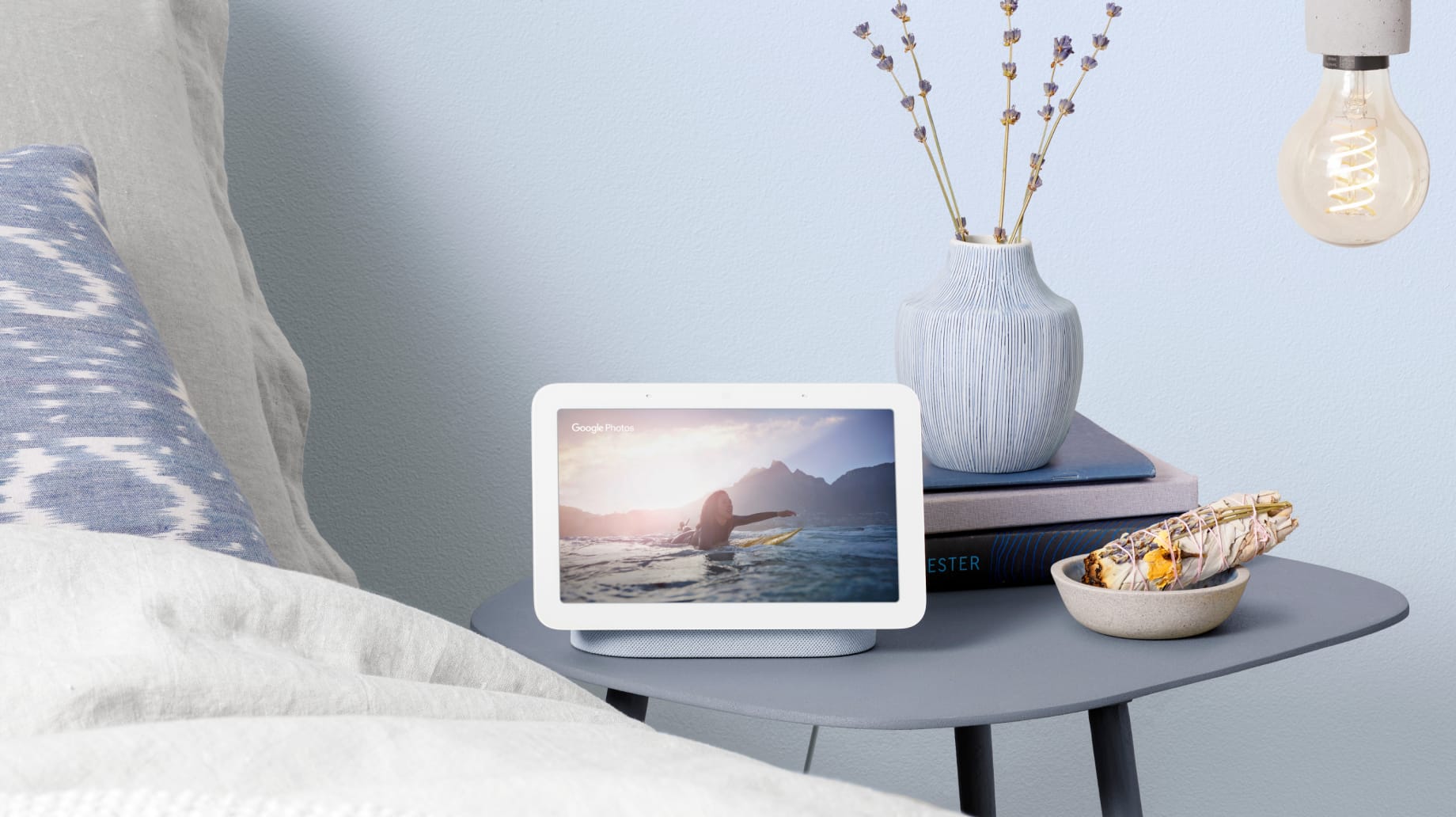
The Google Nest Hub is a 7-inch smart display powered by Google Assistant. Unlike traditional smart speakers, it combines a vibrant touchscreen with voice control, allowing users to interact with visuals, videos, and live updates. Launched as part of Google’s Nest ecosystem, it integrates seamlessly with smart home devices, streaming platforms, and Google services like Calendar and Photos.
Key Features of the Google Nest Hub
Let’s break down the standout features that make the Google Nest Hub a top contender in the smart display market:
1. Sleek, Compact Design
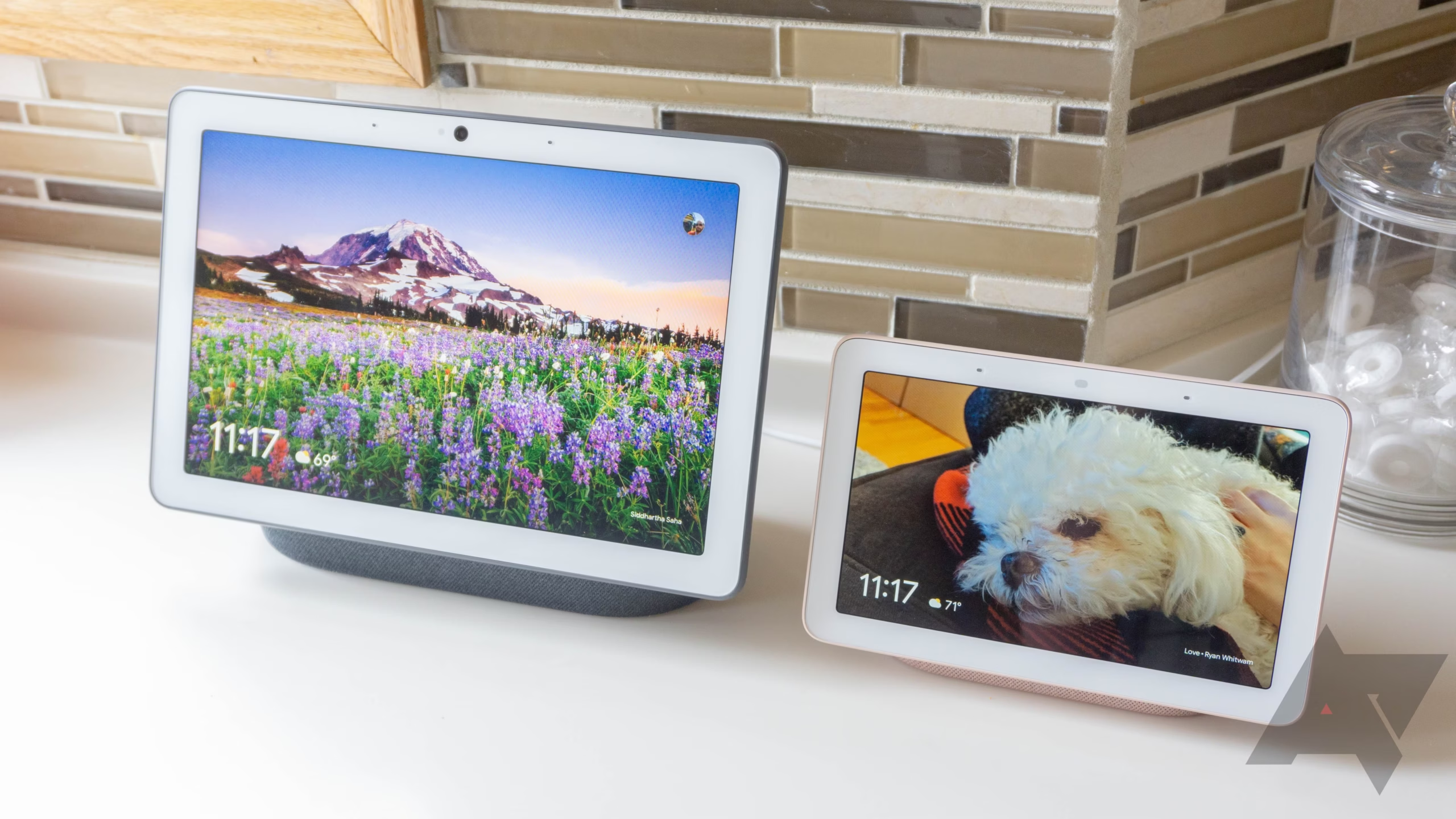
The Google Nest Hub sports a minimalist aesthetic with a fabric-covered base and a 7-inch IPS LCD screen. Its compact size fits perfectly on nightstands, kitchen counters, or office desks. The adjustable ambient EQ ensures the screen adapts to your room’s lighting, reducing glare.
2. Google Assistant Integration
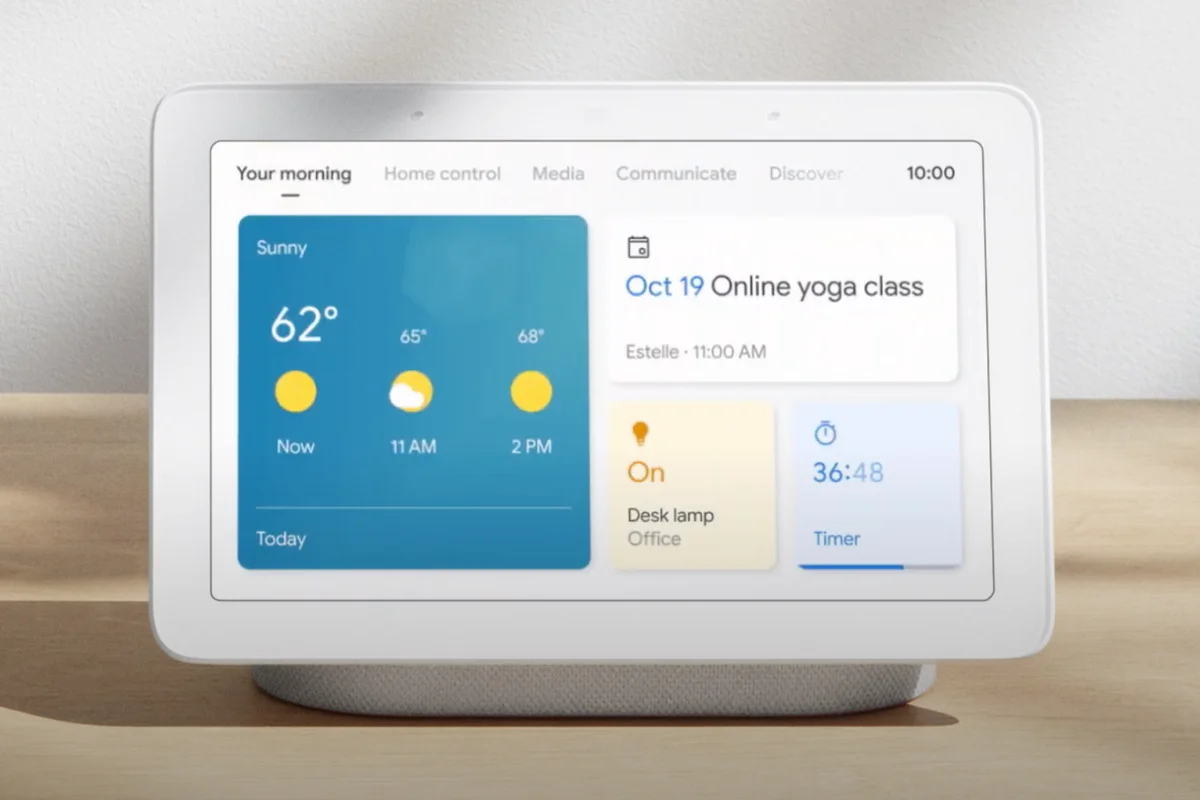
At its core, the Google Nest Hub leverages Google Assistant for voice commands. Ask it to play music, check the weather, set reminders, or control compatible smart devices like lights, thermostats, and cameras. The hands-free convenience is ideal for busy households.
3. Smart Home Control Hub
Turn your home into a smart ecosystem! The Google Nest Hub works with 30,000+ devices from brands like Philips Hue, Nest Thermostat, and Wyze Cam. Use voice or touch to adjust temperatures, lock doors, or check security feeds.
4. Media and Entertainment
Stream YouTube, Netflix, or Spotify directly on the screen. The Google Nest Hub also supports Chromecast, letting you cast content from your phone. The built-in speaker delivers crisp audio for music, podcasts, or video calls.
5. Personalized Visual Updates
View your daily schedule, commute time, or recipe videos hands-free. The Google Nest Hub can also display Google Photos albums, turning it into a digital photo frame when idle.
6. Sleep Sensing and Wellness Features
(For 2nd-gen models) Using Soli radar technology, the Google Nest Hub tracks sleep patterns without wearables. Get insights on sleep duration, quality, and personalized recommendations.
7. Privacy Controls
A physical microphone mute switch and automatic camera-free design address privacy concerns. Data encryption ensures your interactions stay secure.
Setting Up the Google Nest Hub
Getting started with your Google Nest Hub is straightforward:
- Plug in the device and download the Google Home app.
- Follow on-screen instructions to connect to Wi-Fi.
- Link your Google account and compatible apps (Spotify, Netflix, etc.).
- Customize preferences like photo albums or morning routines.
The entire process takes under 10 minutes, even for non-tech users.
In-Depth Review: Performance and Usability
Voice Recognition and Responsiveness
The Google Nest Hub excels at understanding natural language. Even in noisy environments, “Hey Google” triggers reliably. Responses are quick, though complex queries (e.g., multi-step routines) may lag slightly.
Screen Quality and Touch Sensitivity
The 7-inch HD screen is sharp and responsive. Swiping through menus or adjusting volume feels smooth. However, outdoor visibility is limited due to moderate brightness levels.
Audio Performance
While not a substitute for premium speakers, the audio is clear for casual listening. Bass lovers might prefer pairing it with a Nest Audio or external Bluetooth speaker.
Smart Home Integration
Controlling devices is seamless. Saying, “Hey Google, turn off the bedroom lights” executes instantly. The Google Nest Hub also supports routines; a “Good Morning” command can read news, brew coffee, and adjust blinds.
Sleep Tracking (2nd Gen Only)
The Soli-powered sleep sensing is impressively accurate for a non-wearable. However, it requires the Hub to be placed near your bed and lacks deep health metrics compared to Fitbit or Apple Watch.
Pros and Cons of the Google Nest Hub
Pros:
- Affordable price for a smart display.
- Intuitive interface for all age groups.
- Robust smart home integration.
- No camera ensures privacy.
- Sleep tracking adds wellness value (2nd gen).
Cons:
- Average speaker quality.
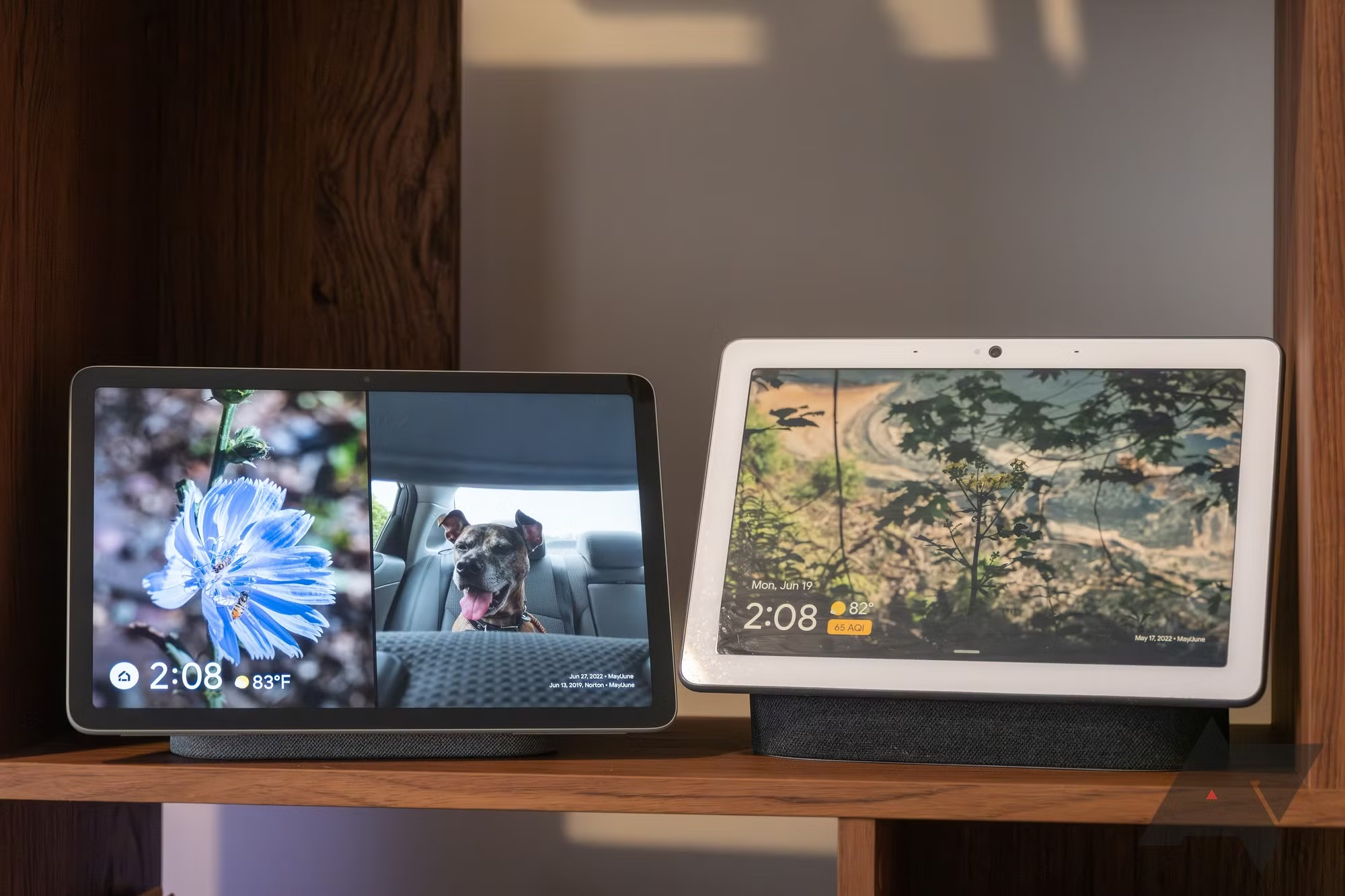
- Smaller screen vs. Nest Hub Max.
- Limited app compatibility compared to Amazon Echo Show.
Google Nest Hub vs. Competitors
| Feature | Google Nest Hub | Amazon Echo Show 8 | Facebook Portal Go |
|---|---|---|---|
| Screen Size | 7-inch | 8-inch | 10-inch |
| Voice Assistant | Google Assistant | Alexa | Alexa |
| Camera | No | Yes | Yes |
| Sleep Tracking | Yes (2nd Gen) | No | No |
| Price | $99.99 | $129.99 | $199.00 |
The Google Nest Hub wins on affordability and privacy, while Echo Show 8 offers a camera for video calls.
User Feedback and Common Complaints
Most users praise the Google Nest Hub for its simplicity and reliability. Criticisms focus on:
- Speaker Quality: Lacks depth for music enthusiasts.
- App Ecosystem: Fewer third-party apps than Alexa.
- Screen Size: Limited for video bingeing.
Final Verdict: Is the Google Nest Hub Worth It?
The Google Nest Hub is a versatile, user-friendly smart display that excels in home automation and daily convenience. While it isn’t perfect for audiophiles or video-centric users, its affordable price, privacy features, and seamless Google integration make it a must-have for smart home beginners and enthusiasts alike.
If you prioritize screen size or video calls, consider the Nest Hub Max. But for most households, the Google Nest Hub delivers exceptional value.