How to Choose a Mechanical Keyboard: The Ultimate 2025 Guide for a Perfect, Regret-Free Purchase
Introduction
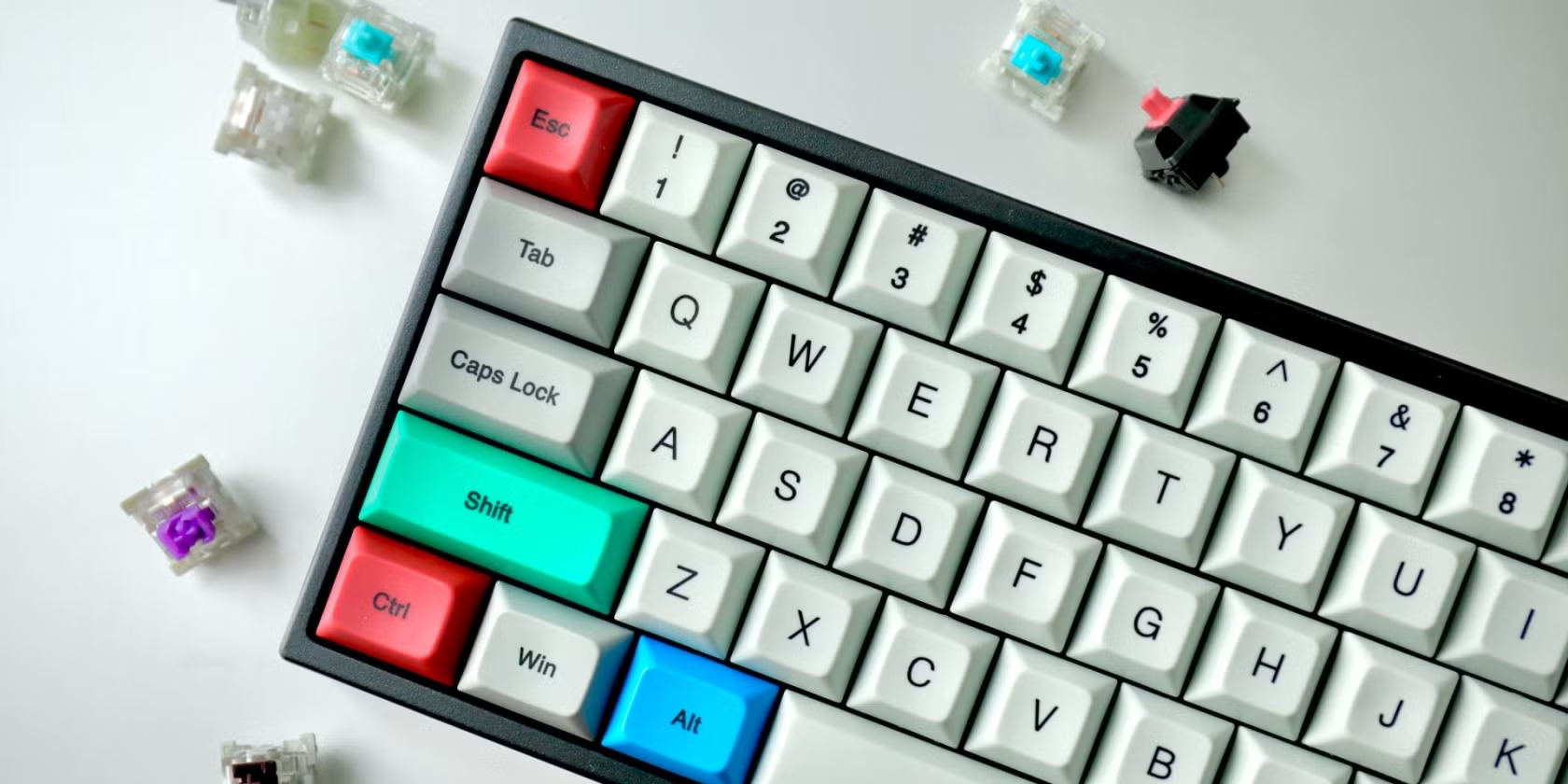
Mechanical keyboards have surged in popularity, offering unparalleled typing experiences for gamers, programmers, and everyday users. But with countless options, choosing the right one can feel overwhelming. This ultimate guide will demystify the process, ensuring you invest in a mechanical keyboard that fits your needs, preferences, and budget—without regret.
Why Choose a Mechanical Keyboard?
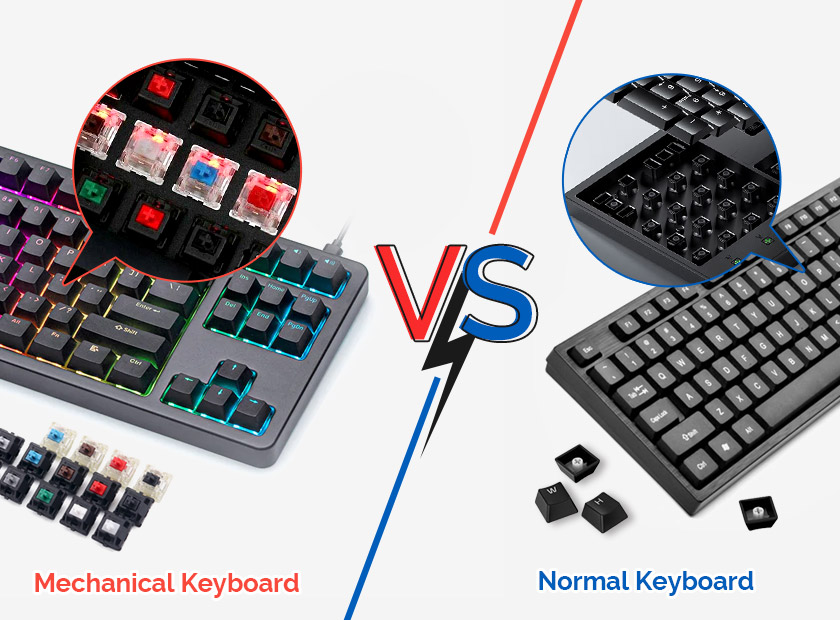
Mechanical keyboards are built for durability, precision, and customization. Unlike membrane keyboards, they use individual mechanical switches for each key, providing:
-
Longevity (50–100 million keystrokes per switch)
-
Faster response times for gaming and typing
-
Customizable feel and sound via switch types
-
Ergonomic benefits for reduced fatigue
Step 1: Understand Switch Types
Switches define your keyboard’s feel and sound. Three primary categories exist:
Linear Switches
-
Smooth keystrokes with no tactile bump (e.g., Cherry MX Red, Gateron Yellow)
-
Ideal for gaming and rapid typing
Tactile Switches
-
Noticeable bump mid-press (e.g., Cherry MX Brown, Akko Lavender Purple)
-
Perfect for typists who want feedback
Clicky Switches
-
Audible “click” with a tactile bump (e.g., Cherry MX Blue, Kailh Box Jade)
-
Great for enthusiasts who love the sound
Step 2: Keyboard Size and Layout
Choose a layout based on your workspace and needs:
-
60%: Compact, portable (no function row or arrow keys)
-
Tenkeyless (TKL): No numpad, ideal for gaming
-
Full-Size: Includes numpad and function row
-
1800/96%: Compact full-size alternative
Step 3: Build Quality and Materials
-
Case Material: Aluminum for durability, plastic for lightweight use
-
Keycaps: ABS (smooth) vs. PBT (textured, long-lasting)
-
Plate: Steel, aluminum, or polycarbonate for stability
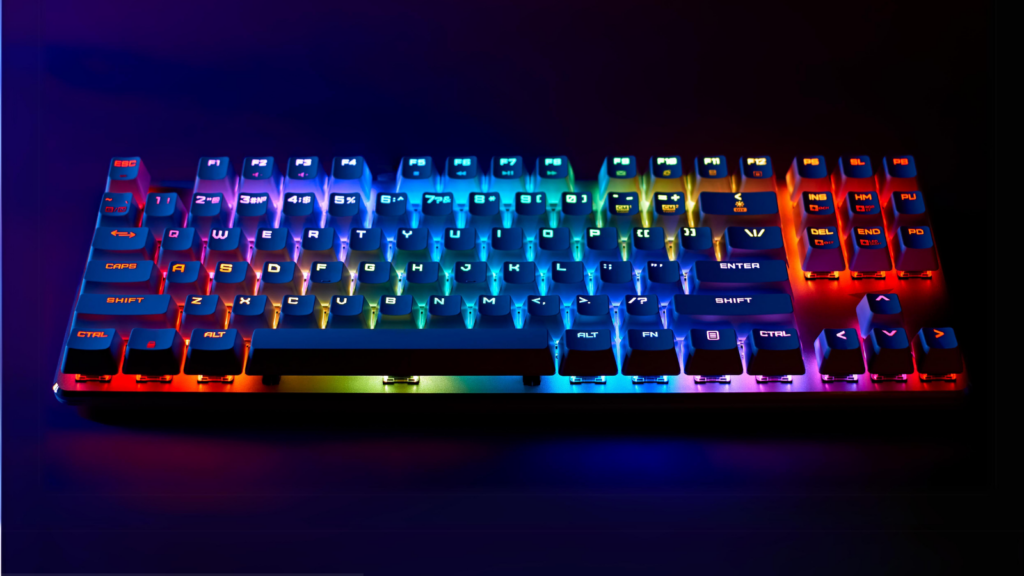
Step 4: Backlighting and Aesthetics
-
RGB Lighting: Customizable colors for gamers
-
White/Monochromatic: Subtle, professional look
-
Keycap Customization: Double-shot or shine-through designs
Step 5: Additional Features
-
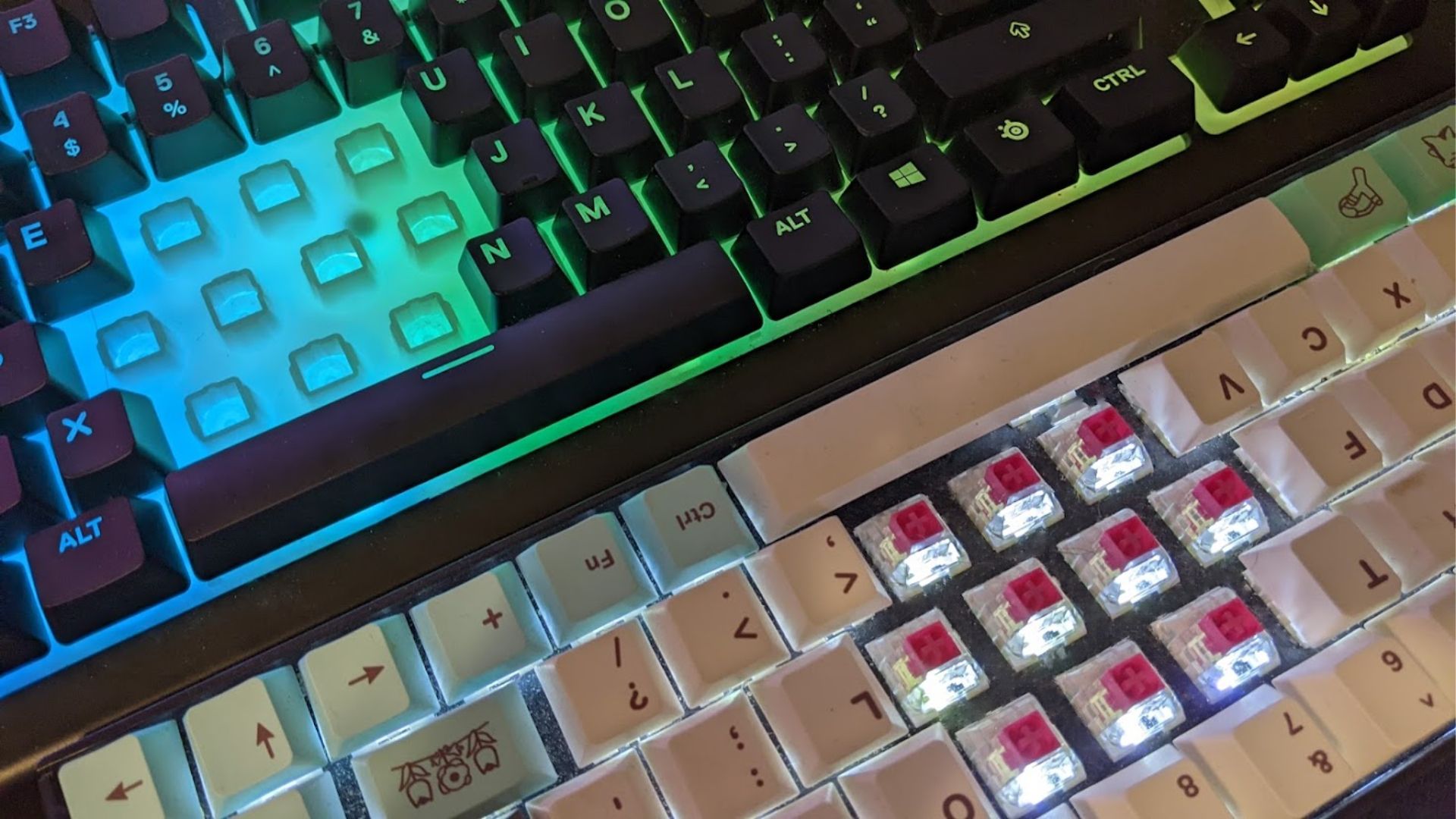
Hot-Swappable Switches: Change switches without soldering
-
Wireless Connectivity: Bluetooth/2.4GHz for clutter-free desks
-
Programmable Macros: Essential for gamers and coders
Budget Considerations
-
Entry-Level (50–100): Redragon, Royal Kludge
-
Mid-Range (100–200): Keychron, Ducky
-
Premium ($200+): Drop, Leopold
FAQs: Your Questions, Answered
-
Are mechanical keyboards louder than regular ones?
Yes, but switch type affects noise. Opt for linear or silent tactile switches. -
Can I replace keycaps?
Most mechanical keyboards use standard MX stems for easy customization. -
Are they worth the price?
Absolutely—durability and performance justify the investment.
Ready to Find Your Perfect Mechanical Keyboard?
You’re now equipped to choose a mechanical keyboard that matches your needs. For curated recommendations and exclusive deals, check out our top-rated picks below.